

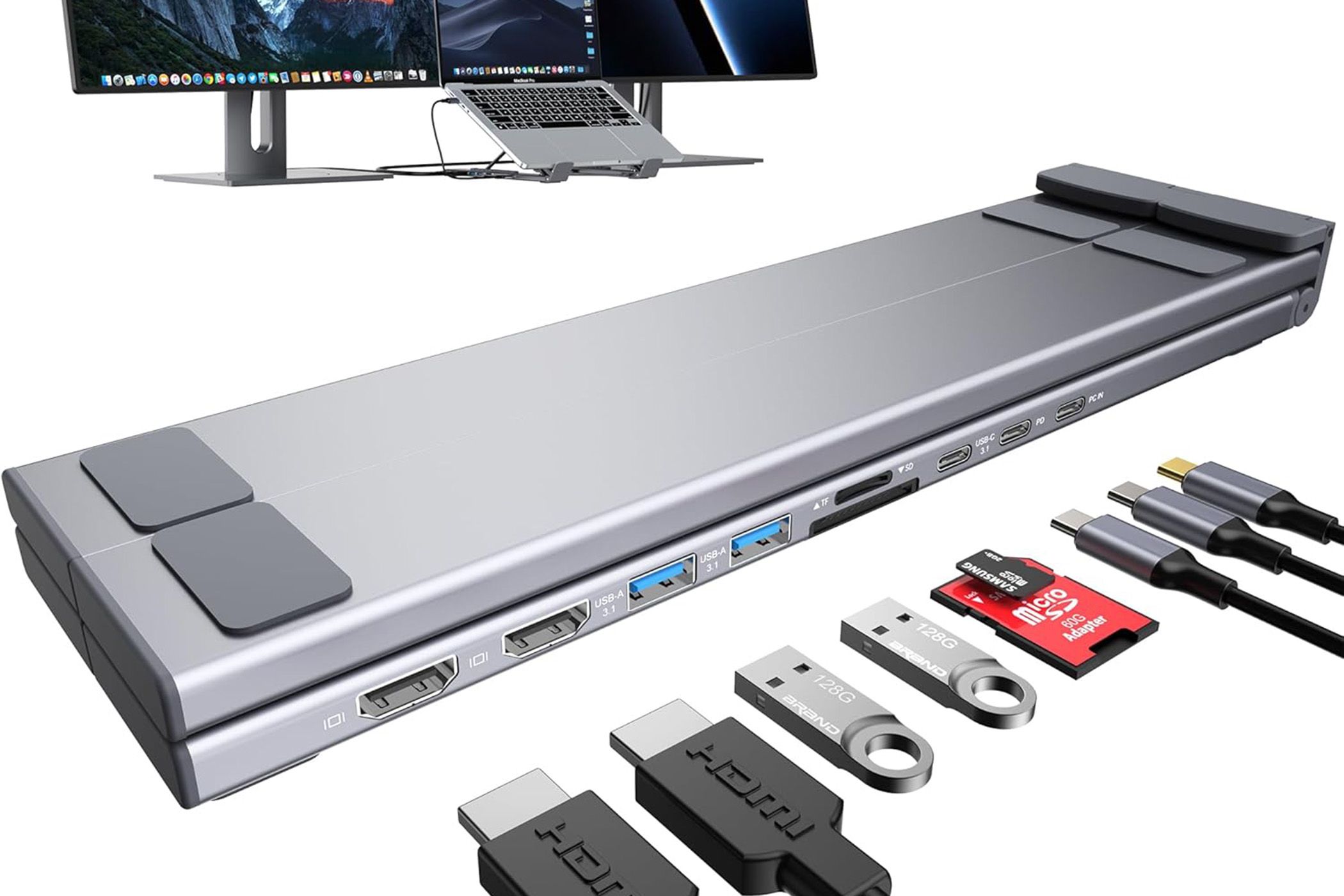
Modern laptop setups often present distinct challenges like terrible neck posture from looking down at a screen and a severe lack of ports. Typically, the solution has been buying a chunky metal riser and a separate dongle that dangles off the side of your machine. The Mukiya 9 in 1 USB-C Laptop Stand attempts to kill both of these birds with one sleek, aluminum stone. By integrating a multi-port docking station directly into the hinge of a foldable, ergonomic riser, Mukiya provides an all-in-one solution. This lets anyone clean up their desk setups without breaking the bank.
Price and what’s included
The Mukiya 9 in 1 USB-C Laptop Stand retails for $79.99, but is often discounted for much less, making it a good value versus buying a premium stand and separate hub. Inside the relatively simple packaging, you get the foldable aluminum stand with its integrated hub, USB-C to USB-C host cable, drawstring carrying bag, and a succinct user manual. You don’t get a wall power adapter, so you’ll need to supply your own high-wattage USB-C charger to use the power delivery passthrough feature.
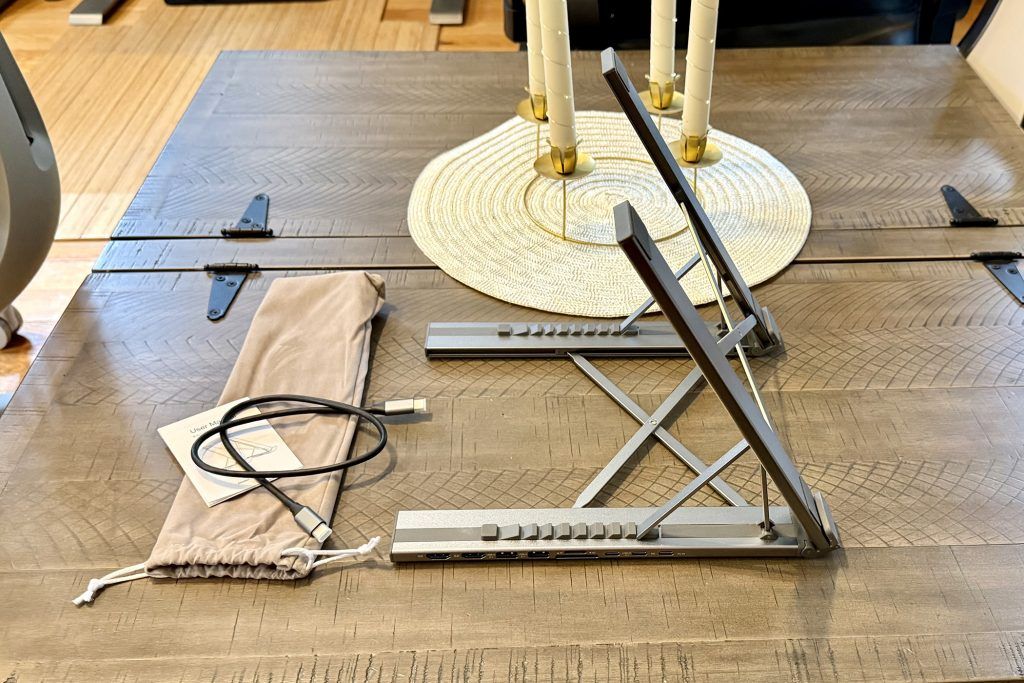
Features and design: Ergonomics meets transportability
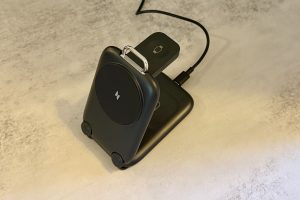
The Mukiya is constructed from lightweight aluminum and includes silicone grip pads to provide traction. However, due to the lack of a locking mechanism and its low weight at only around 0.7 lbs, there’s some sliding when plugging in cables if you don’t hold it properly. The stand is ergonomic, featuring multiple adjustable height angles to bring your laptop screen up to your desired level, while facilitating passive cooling of your machine by lifting it off your desk to increase airflow.
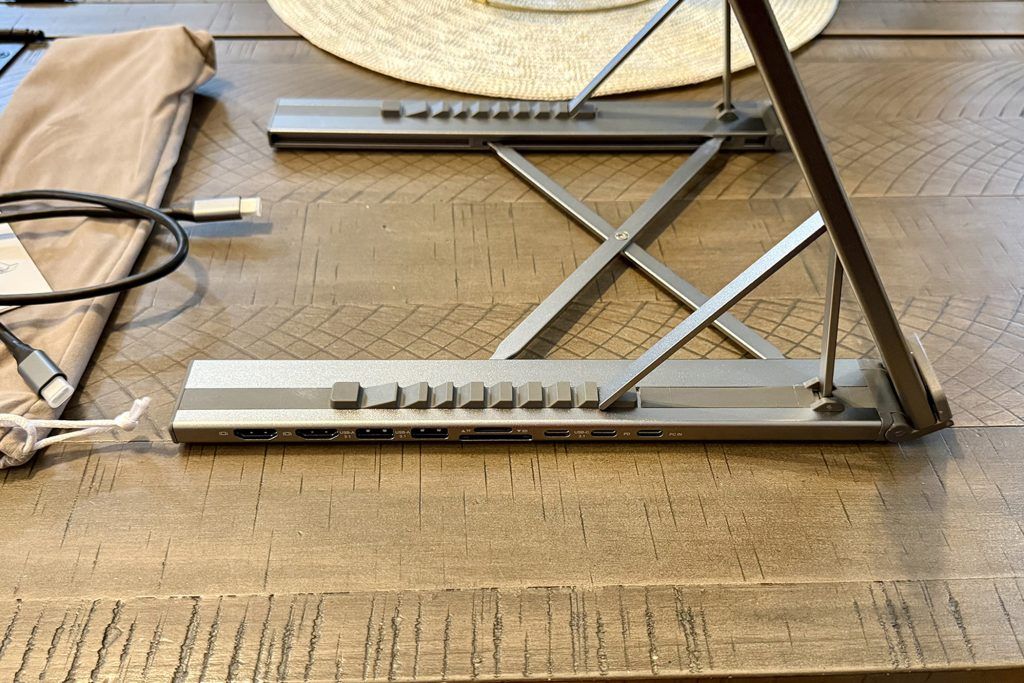
The Mukiya’s real benefit, however, is the integrated 9-in-1 hub housed at the base, which acts as a single-cable solution to keep your desk tidy. It features dual 4K HDMI ports, two USB-A 3.0 ports (capable of 5Gbps), a USB-C data port, SD and TF (MicroSD) card readers, and a 100W Power Delivery (PD 3.0) input. The entire unit can fold down flat, providing another travel-friendly feature for those who want to take their entire docking station to the corner coffee shop or on the road without dealing with a nest of tangled cables.
Performance: Productive with some quirks
In daily use, the Mukiya 9-in-1 can completely transform a cramped laptop workflow. Plugging in one single USB-C cable instantly connects your external monitors, mouse, keyboard, and power supply. For Windows users, the dual HDMI ports support extended displays (MST), while Mac users are limited to mirrored external displays due to macOS limitations. The SD card readers are snappy, and the 100W power passthrough ensures your laptop stays topped up during heavy workloads.
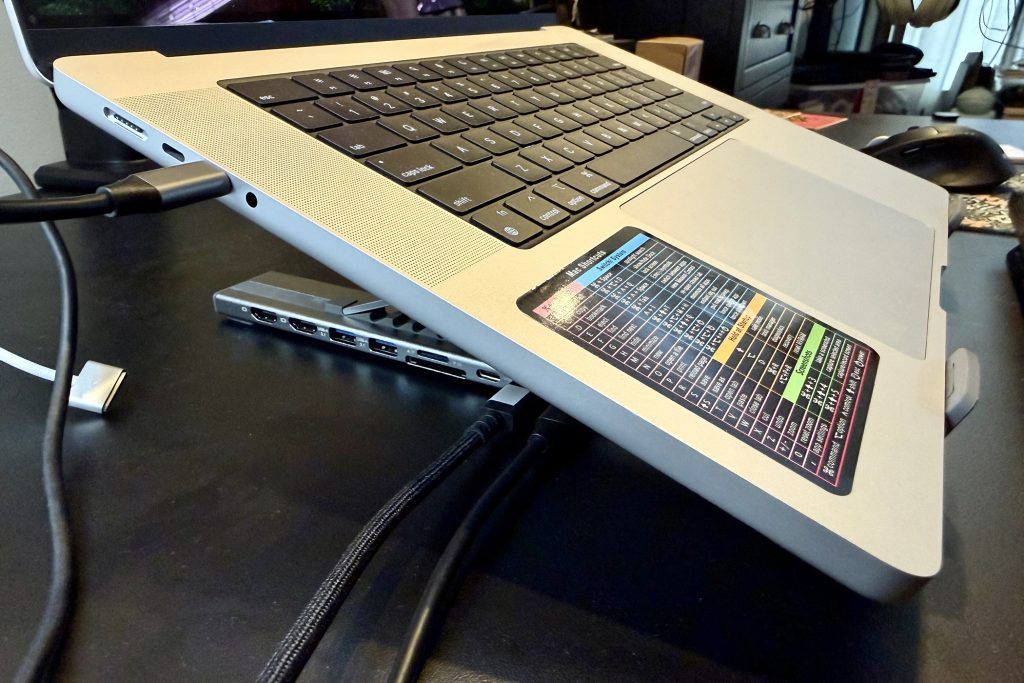
There are, however, a few minor performance caveats to keep in mind. First, the HDMI output tops out at 4K 30Hz. If you are a gamer or someone who demands a buttery smooth 60Hz or 120Hz on a 4K external monitor, this dock will feel sluggish and disappoint. Second, all ports are on the left, so that may not work with every desk setup. Finally, if you set the stand to its absolute highest angle and type heavily directly on the laptop’s keyboard, you’ll experience a slight bounce.
Should you buy the Mukiya 9 in 1 USB-C Laptop Stand?
If you need high-refresh-rate 4K output for gaming or Thunderbolt-level transfer speeds, you should look toward more expensive, dedicated docking stations. However, if you are a remote worker, student, or casual creator who wants to reduce desk clutter, improve your sitting posture, and regain the ports Apple and PC manufacturers have stripped away, the Mukiya 9 in 1 USB-C Laptop Stand is a solid option. Just remember to hold the left stand leg when plugging in, or removing, cables.
Score: 6 (out of 10)
[Armchair Arcade and fullSTEAMahead365 review scale]



 Your total news and information resource for all things Science, Technology, Engineering / Mathematics, Art, and Medicine / Health.
Leave a Comment