
• Home
  • Review Scale
  • Our Books
  • Our Film
  • Games
    • Armchair Easy Sudoku
    • Armchair Typing Invaders
    • Block Invaders
  • Apps
    • LITA – Loguidice Interactive Text Analyzer
  • About Us
  • Contact Us
  • Login

Perspectives on all eras of videogames, computers, technology, and pop culture since 2003

Login

Login
Armchair ArcadeArmchair Arcade
  • Home
  • Review Scale
  • Our Books
  • Our Film
  • Games
    • Armchair Easy Sudoku
    • Armchair Typing Invaders
    • Block Invaders
  • Apps
    • LITA – Loguidice Interactive Text Analyzer
  • About Us
  • Contact Us
  • Login

Changing the hard drive “read-only” permission

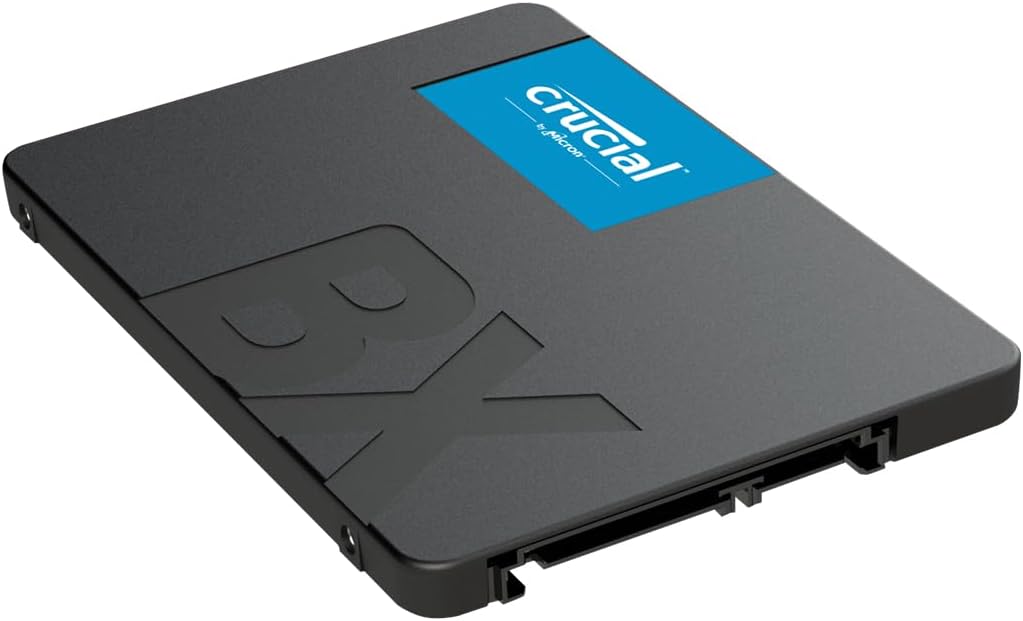
Crucial BX500 2TB 3D NAND SATA

Changing the hard drive “read-only” permission

February 15, 2026 Posted by Jane Smith Editorial No Comments

These days, saving stuff in the cloud is popular, but using external SSDs or hard drives, flash drives or USB sticks is just as common. The problem is that sometimes, these latter options might have a read-only message. You can’t write onto the device, you can only read from it, which could prove to be quite the issue. And here’s why that happens, and how you can fix this problem.

What leads to the read-only issue?

Generally, there are 2 main reasons why you encounter this read-only error. For example, the drive was formatted in a way that does not allow your Mac to write on it. NTFS is a format that might end up doing that on a Mac. It can also happen if you are switching from an older Intel Mac to Apple Silicon as well.

Another situation is when you have permission settings not set up properly. They could lock you to just reading the stuff and not writing, which is naturally a problem that you want to tackle. With that being said, the format type matters, NTFS is a problem on a Mac, whereas FAT 32, Mac OS Extended or APFS are usually ok. 

Fixing the read-only issue on your hard drive

Reformatting the drive

Reformatting is usually a last-resort thing as you are wiping all the data from the device. And naturally, that means reinstalling all the apps. You need to create a backup for this thing when possible, mainly because it offers you the means to integrate new stuff, and it will help convey a better experience going forward. 

With that in mind, reformatting does help if you also have all kinds of other issues, and it makes sense to approach it when that happens. Making sure that you are formatting the drive from time to time will help quite a lot, especially if you have the read-only problem. But as we said, it’s mostly a last-resort solution here, as you can solve permission problems in other ways as well.

If you want to reformat the drive, do the following:

  • Make sure that the drive you want to format is plugged in, and then enter the Disk Utility app.
  • Select the external disk from the Disk Utility’s sidebar.
  • Press the Erase button.
  • Now you want to type in the name of that reformatted drive. 
  • Choose the Mac OS Extended format.
  • Press Erase again.
  • The drive will be reformatted, and now you can write onto it.

That’s a great idea because not only will it streamline the reading and writing process, it will also make the experience better and more consistent. At the end of the day, it’s one of the simplest ways to solve the problem, but there are some remaining files and stuff that you need to tackle here, so keep that in mind.

Fixing permissions problems

If you’re not going to reformat to a supported format, then you will need to fix the permissions. A lot of the time, this read-only issue has to do with permissions not being set correctly. A very good rule of thumb is to do the following:

  • Choose the drive in Finder
  • Press Command+I so you can display the Get Info window.
  • At the bottom of that window, click the Sharing & Permissions arrow to see the permissions
  • In the Privilege menu right near your username, choose to Read & Write. 
  • Close the Get Info window

It’s not very hard to learn how to fix the error, but it will take a little bit of getting used to. When you are changing these settings, you will have to insert your password as well. That way, you are showing that you agree to the fix and everything should be fine here. 
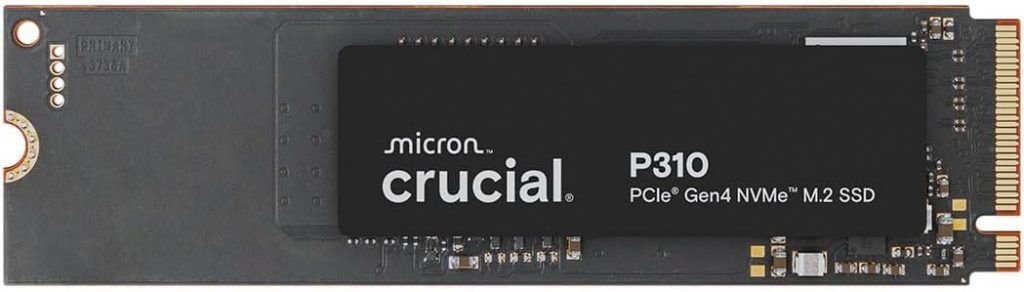
Crucial P310 1TB SSD

Sometimes, there might be a need to do a complete disk repair if possible. And that’s important, because there might be a lot of situations where the drive is dealing with bad or obsolete permissions. Enter the First Aid tool and that will allow you to repair the disk with ease. In the end, it’s going to make the experience easier and more cohesive, and you don’t have to worry about anything else.

Closing thoughts

It’s a great idea to check things out and see how you can optimize and modify everything within your hard drive, while solving any permission errors. These errors might sometime not allow you to write anything on your hard drive or SSD, so they can be very serious. Of course, if the drive is empty or without valuable files, you can downright delete those things and you will be good to go. In the end, it’s a great idea to reformat, or if not, at least solving permission issues will be more than enough, as it will eliminate these writing problems.

Related

Tags: apfshard driventfstroubleshooting
No Comments
Share

About Jane Smith

Correspondent for Armchair Arcade.

You also might be interested in

Liztek HDDT1BSB USB 3.0 Super Speed to SATA Single Bay External Hard Drive Docking Station for 2.5 and 3.5 inch Hard Drives Review

Liztek HDDT1BSB USB 3.0 Super Speed to SATA Single Bay External Hard Drive Docking Station for 2.5 and 3.5 inch Hard Drives Review

May 8, 2015

In my earlier review for the Liztek HDDS1BS, I marveled[...]

Liztek HDDS1BS USB 3.0 to SATA Single Bay External Hard Drive Docking Station for 2.5 and 3.5 inch Hard Drives Review

Liztek HDDS1BS USB 3.0 to SATA Single Bay External Hard Drive Docking Station for 2.5 and 3.5 inch Hard Drives Review

Apr 22, 2015

While it’s true that there are a plethora of good[...]

Leave a CommentCancel reply

This site uses Akismet to reduce spam. Learn how your comment data is processed.

Recent Posts

  • From the Galton Board to Digital Screens: The Complete History of Plinko
  • Where to Find Rare Arcade Parts and How to Verify Authenticity
  • Changing the hard drive “read-only” permission
  • Social casinos in the US: High 5 Casino leads the way
  • OneOdio solocaster All-in-One Voice Transformer and Sound Card for Gamers and Content Creators – 20% off right now
  • The Rise of Fraudulent Game Download Sites and How to Avoid Them
  • 7 International Student Networks That Connect You With People Worldwide
  • New GUNNAR x Amazon Studios Fallout: New Vegas Glasses up for preorder!
  • Razer Valentine’s Specials – big discounts, free shipping, and free gift
  • Different Ways to Play Poker and Master the Cards

Recent Comments

  • Emma on Should You Be Focusing More On Local Marketing?
  • Sharon Hill on Never before seen Hulk Hogan and Andre the Giant WWF photos from 1981!
  • leads dubai on Should You Be Focusing More On Local Marketing?
  • Aiodensghost on Official Game List for My Arcade Atari Gamestation Pro
  • keyboredom on Quick guide on how to play on the Internet Arcade
  • Bill Loguidice on Official Game List for My Arcade Atari Gamestation Pro
  • Melanie Levenstein on Official Game List for My Arcade Atari Gamestation Pro
  • George on How to Predict CS:GO/CS2 Skins Prices?
  • Bill Loguidice on Retro Games Ltd to release The Spectrum, fully working ZX Spectrum, and here’s the game list!
  • Derek on Retro Games Ltd to release The Spectrum, fully working ZX Spectrum, and here’s the game list!

Archives

Categories

Explore

android (48) apple (37) ar (42) Arcade (177) Atari (79) atgames (173) book (99) books (98) casino (589) commodore (34) esports (49) firmware (43) Flashback (45) gambling (613) Gaming (45) home arcade (115) htc vive (42) humble bundle (282) humble store (67) ios (37) led (35) legends (40) legends arcade family (46) legends pinball (39) legends ultimate (71) Microsoft (44) Nintendo (81) PC (35) pc gamer (68) pc gaming (53) pinball (43) playstation (61) PS4 (37) Sega (41) slots (93) sony (57) steam (148) switch (37) technology (37) update (42) virtual pinball (36) virtual reality (117) viveport (42) vr (123) Xbox (34)

Affiliates

+ Amazon

The everything store

+ Loaded (Formerly CDKeys)

Digital Games for PC and Console on Sale!

+ Castlemania Games

Retro and modern video game store! Use coupon code BILLLOGUIDICE for 10% off!

+ ACEMAGIC

Amazing PC, mini PC, and laptop deals

+ Planet Fitness

$1 down, no contract, great gyms everywhere!

+ Humble Bundle

Game deals, including name your price bundles

+ Playasia (Play-Asia.com)

Import games and collectibles

+ DJI Store

Amazing drones and related technology

+ Razer

Amazing PC gamer products!

+ DJI Store

Amazing drones and related technology

+ Razer

Amazing PC gamer products!

+ Microsoft Rewards

Earn and redeem points

+ Atari

Retro and new hardware, software, and merch

fullSTEAMahead365 Your total news and information resource for all things Science, Technology, Engineering / Mathematics, Art, and Medicine / Health.

Human Advancement Never Stops.

Key Site Statistics

Posts published: 2,777
Latest publish date: February 15, 2026 @ 8:56 pm
Registered user count: 99,026

Contact Us

If you have a question, would like to provide feedback, or otherwise wish to get in touch with us, use this form.

Send Message

Blog Posts by Date

February 2026
M T W T F S S
 1
2345678
9101112131415
16171819202122
232425262728  
« Jan    

Social Media and RSS

Support Armchair Arcade

All editorial content © 2003 - 2026 Armchair Arcade, Inc., an Armchair Creative Services, LLC, property. All rights reserved unless otherwise indicated. All trademarks and copyrights are retained by their respective owners. No content is to be removed or reused from the Armchair Arcade Website for commercial purposes without explicit permission from the principal Armchair Arcade staff, or the original trademark or copyright holders. Armchair Arcade, Inc., is not responsible for the content of any external sources or links. Further, endorsement of any external sources or links is neither implied nor suggested.

We thank you for your support and encourage you to contact us for any reason, including, but not limited to, questions, concerns, business endeavors, or praise. Especially praise.

Armchair Creative Services, LLC, may earn compensation for sales from links on posts through affiliate and other programs. Editorial rigor and objectivity standards are strictly adhered to and any compensation has no effect on coverage or opinions.

Prev Next